


Apple iPad delivers groundbreaking updates in iOS 27 that redefine creativity, productivity, and seamless integration with iOS 27. Discover smarter multitasking, enhanced performance, and future‑ready tools designed to elevate your Apple iPad experience.
Table of Contents
Introduction
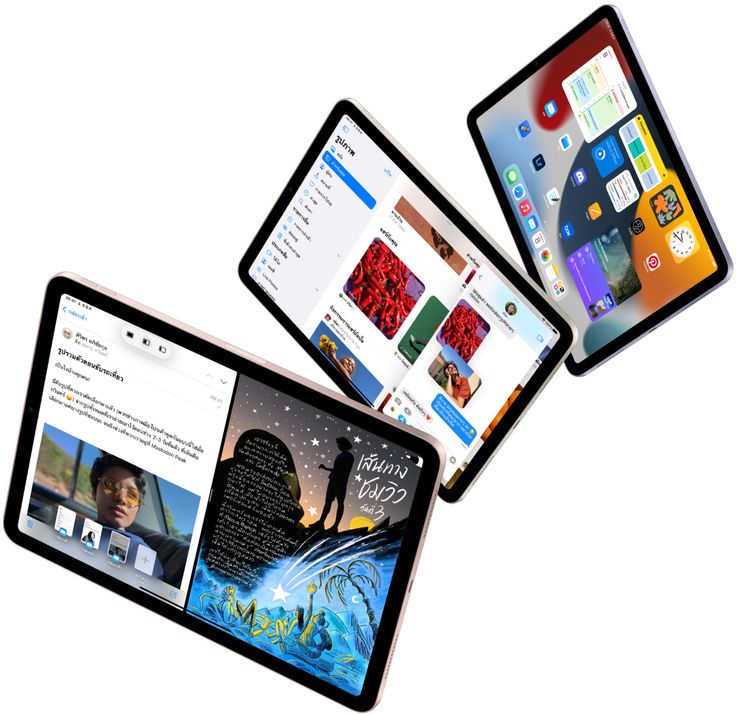
Apple has introduced iPadOS 27 as one of its most powerful updates, designed to work seamlessly with iOS 27. This release marks a bold step forward, giving the iPad smarter tools, faster performance, and a more connected experience across the Apple ecosystem.
With iPadOS 27, the Apple iPad becomes more than just a tablet. It now offers advanced multitasking, improved creativity features, and smoother integration with other Apple devices. These updates make everyday tasks easier, while also unlocking new possibilities for professionals, students, and creators.
The focus of iPadOS 27 is clear as to deliver a powerful evolution that combines simplicity with innovation. By blending productivity, accessibility, and future‑ready design, Apple ensures that the iPad continues to be a device that inspires and empowers users worldwide.
Smarter Multitasking Features
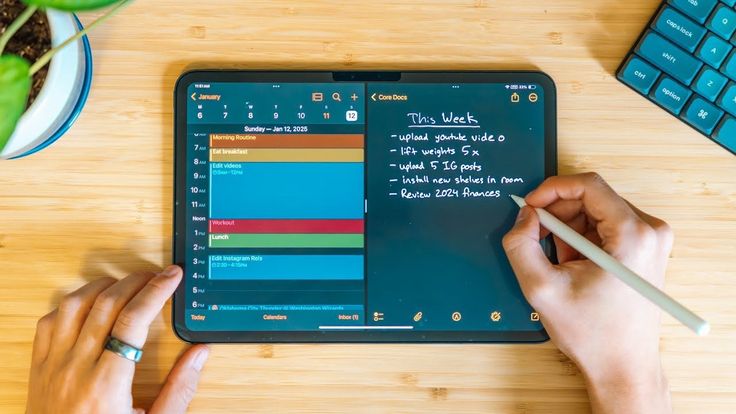
The Apple iPad with iPadOS 27 brings multitasking to a new level. Apple has designed the system to make switching between apps faster and easier, so users can stay focused on what matters. With dual‑screen support, you can run two apps side by side, making it simple to browse the web while taking notes or edit a document while chatting with colleagues.
Another big change is the sidebar layout. This feature gives the Apple iPad an experience similar to a desktop, keeping menus and tools visible while you work in the main app. It reduces the need to jump back and forth between screens, saving time and making tasks feel smoother.
Together, these multitasking updates show how Apple iPad iOS 27 is built for productivity. Whether you are a student, a professional, or a creator, the dual‑screen and sidebar innovations make the iPad more powerful and practical than ever before.
Creativity Tools Enhanced in Apple iPad
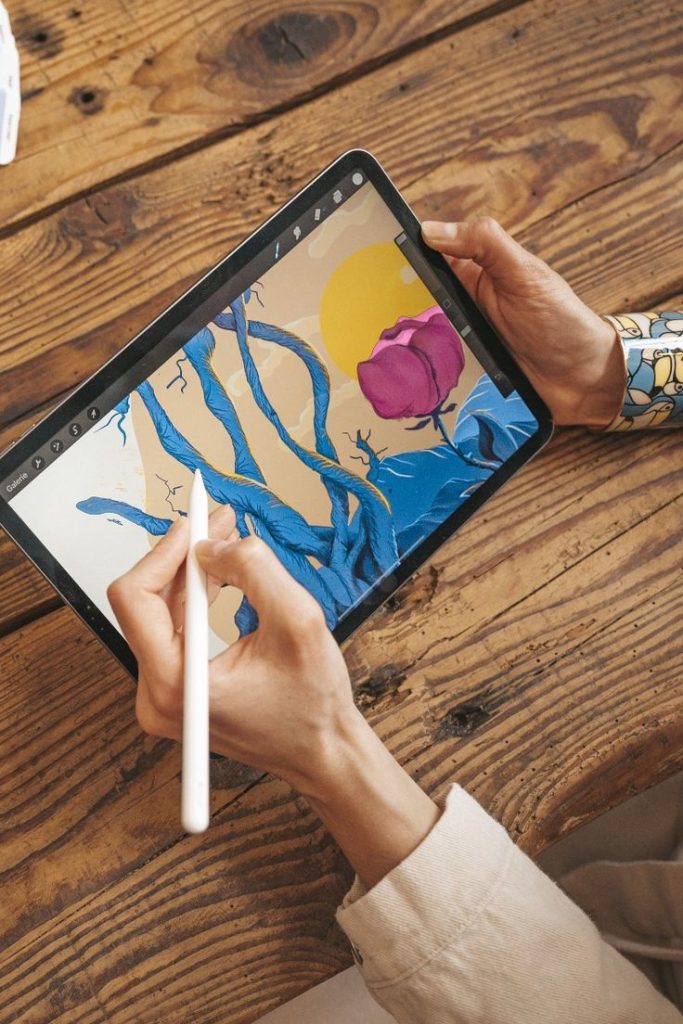
The Apple iPad with iPadOS 27 introduces new creativity tools that make designing, drawing, and editing easier than ever. Apple has added pro‑level apps that give users the same power found on a Mac, but with the simplicity of the iPad. This means artists, students, and professionals can create high‑quality work directly on their device without needing extra software.
AI‑powered design is another big highlight. The Apple iPad now uses smart suggestions to help with layouts, photo edits, and even creative writing. These tools save time and make the creative process smoother, especially for people who want quick results without losing quality.
Together, these updates show how Apple iPad is built to inspire creativity. By combining pro‑level apps with AI‑driven design, Apple has made the iPad a powerful tool for anyone who wants to turn ideas into reality with ease.
Performance Improvements
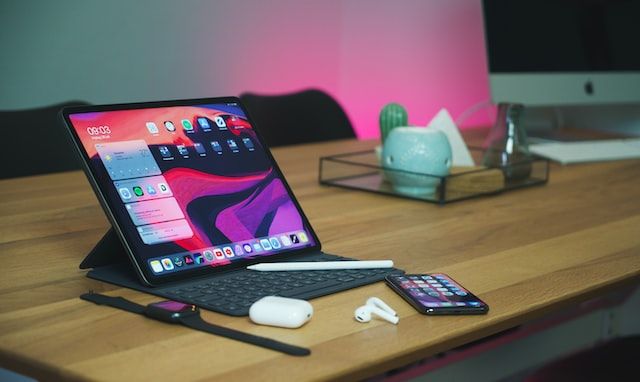
The Apple iPad with iPadOS 27 has been designed to run faster and feel more responsive. Everyday actions like opening apps, switching between screens, and scrolling are smoother, giving users a more enjoyable experience. Apple has worked on removing old code and fixing bugs, which makes the system lighter and quicker.
Another big change is in workflows. The Apple iPad now handles multitasking more efficiently, so moving between apps or working on two tasks at once feels natural and simple. This improvement helps students, professionals, and creators save time and stay focused.
Battery life has also been improved. With smarter power management, the Apple iPad can last longer on a single charge, even when using demanding apps. This means users can rely on their device for work, study, or entertainment without worrying about running out of power too quickly.
Together, these updates show how iPadOS 27 makes the iPad faster, smoother, and more reliable, giving users a powerful tool for everyday life.
Accessibility Innovations
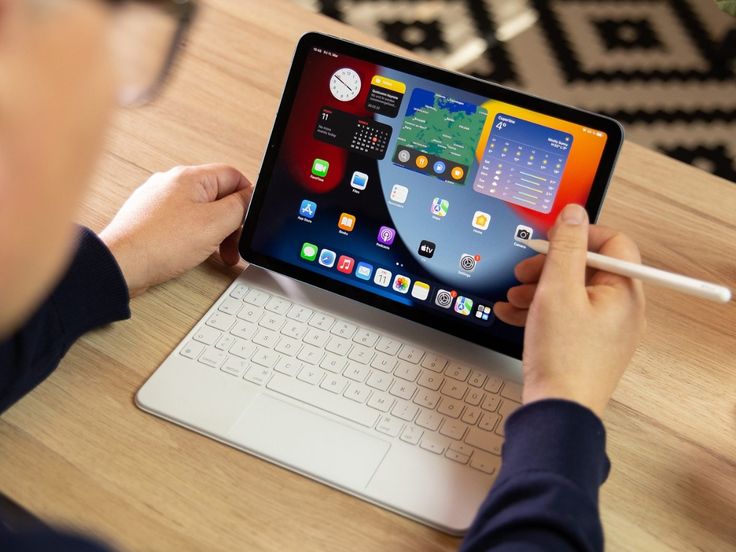
With iPadOS 27, Apple has made the Apple iPad more inclusive and easier to use for everyone. One of the biggest changes is real‑time interpretation. This feature allows the iPad to translate sign language or spoken words instantly during video calls, making communication smoother for people who are deaf or hard of hearing. It helps break barriers and ensures that conversations feel natural and connected.
Apple has also focused on inclusive design. The Apple iPad now offers improved tools like Voiceover, Magnifier, and on‑device subtitles. These updates make it easier for people with vision or hearing challenges to use apps, read content, and interact with their device. By keeping accessibility at the center, Apple shows that technology should empower everyone, not just a few.
Together, these innovations highlight how iPadOS 27 is more than just an upgrade. It is a step toward making digital experiences fair, equal, and supportive for all users, no matter their abilities.
Seamless iOS 27 Integration
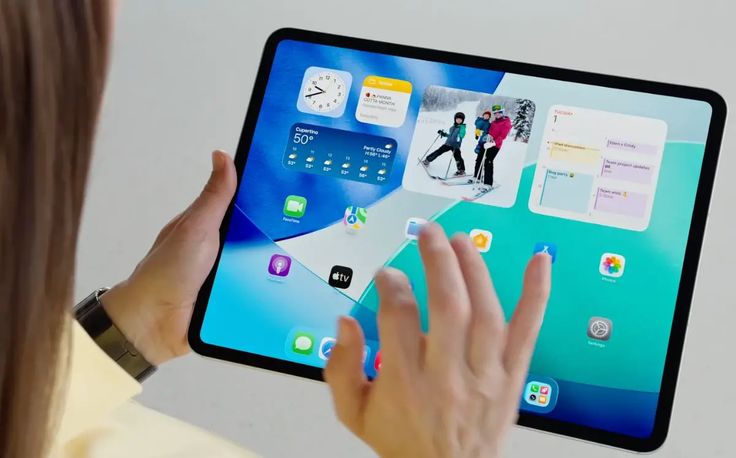
With iPadOS 27 becomes a central part of Apple’s unified ecosystem. This update ensures that the iPad works smoothly with the iPhone, Mac, and Apple Watch, creating a connected experience where devices share information and tasks without effort.
One of the biggest advantages is continuity across devices. You can start writing an email on your iPhone and finish it on your Apple iPad or begin editing a photo on your iPad and polish it on your Mac. The integration powered by iOS 27 makes these transitions seamless, saving time and keeping your workflow uninterrupted.
The Apple iPad also benefits from smarter syncing with Apple Watch and iPhone. Notifications, health data, and reminders appear across devices, so you never miss important updates. This unified design shows how Apple is building an ecosystem where each device supports the other, giving users a complete and connected digital experience.
Together, these features highlight how Apple iPadOS 27 strengthens the bond between iPad and the rest of the Apple family, making everyday tasks easier, faster, and more enjoyable.
Advantages of iPad: Smarter AI Ecosystem with iOS 27

The Apple iPad powered by iOS 27 brings clear advantages that make it stand out in the Apple ecosystem. One of the biggest highlights is the smarter AI ecosystem. With iOS 27 integration, the iPad now uses advanced intelligence to understand context, personalize suggestions, and assist with tasks. This means users can enjoy faster workflows, smarter app recommendations, and proactive support that feels natural and easy.
Another key advantage is the future‑ready design. Apple has optimized iPadOS 27 to work seamlessly with upcoming devices and technologies. The system is lighter, faster, and built to handle new hardware trends, ensuring that the Apple iPad stays reliable for years to come. This forward‑thinking design gives users confidence that their device will continue to perform well as technology evolves.
Together, these improvements show that iPad in iOS 27 is not just an update, but a powerful step forward. By combining smarter AI with a future‑ready foundation, Apple has created an iPad experience that is more intelligent, more connected, and more inspiring than ever before.
Key Privacy Features
- On‑Device Processing: Most Apple Intelligence tasks run directly on the iPad, ensuring sensitive data like messages, photos, and notes never leave the device.
- Private Cloud Compute: For complex AI requests, Apple uses secure servers powered by Apple silicon. Data is processed only to fulfill the request, never stored, and independent researchers can verify Apple’s privacy claims.
- App Privacy Report: Users can see how apps use permissions like location, camera, and microphone, giving more transparency and control.
- Mail Privacy Protection: Prevents senders from tracking when emails are opened or collecting IP addresses.
Security Enhancements
- Stricter Network Access Controls: Apps must request permission for all network activity, reducing hidden tracking and unauthorized data sharing.
- AI‑Powered Threat Detection: Real‑time monitoring of data transmission helps block suspicious activity before it becomes a risk.
- Cross‑Device Security Sync: Security settings now sync across iPhone, Mac, and iPad, ensuring consistent protection in the Apple ecosystem.
- Parental Controls: Stronger child safety tools let parents manage screen time, app access, and online activity more effectively.
Risks and Trade‑Offs
- Hardware Limitations: Some advanced privacy features, like the most powerful on‑device AI, are limited to newer iPads with M‑series or A17 Pro chips. Older devices miss out.
- Third‑Party AI Models: f users enable external AI engines, their data policies apply, which may differ from Apple’s strict privacy standards.
With iPadOS 27, the Apple iPad becomes not only a productivity and creativity tool but also a privacy‑first device. By combining on‑device intelligence, Private Cloud Compute, and stronger network protections, Apple ensures that users can enjoy advanced AI features without sacrificing security.
Final Thoughts: Why iPadOS 27 Marks a Powerful Evolution?
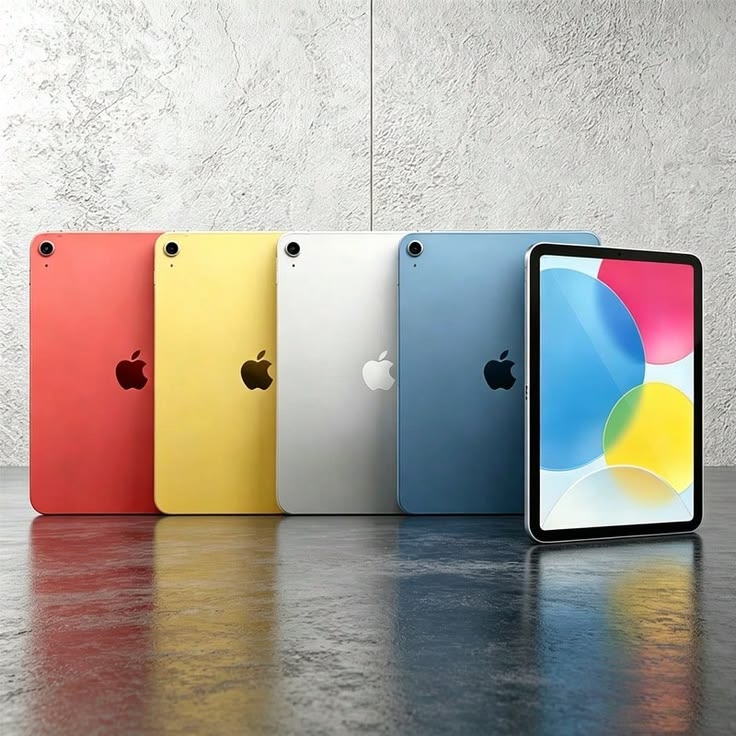
iPadOS 27 represents a turning point in how the iPad is experienced. By combining smarter multitasking, pro‑level creativity tools, stronger performance, and inclusive accessibility features, Apple has created a platform that feels both powerful and simple to use.
This update is not just about adding new features as it is about building a connected ecosystem where the iPad works seamlessly with other devices. The improvements in privacy, security, and AI integration show a clear vision of technology that is future‑ready and user‑focused.
Together, these changes make iPadOS 27 a bold step forward. It transforms the iPad into a device that inspires creativity, supports productivity, and ensures accessibility for everyone, while preparing users for the innovations yet to come.
FAQs
What is iPadOS 27?
It is the latest software update for the Apple iPad, bringing new features, faster performance, and smarter tools.
Does iPadOS 27 improve multitasking?
Yes, it adds dual‑screen support and sidebar layouts to make working with multiple apps easier.
Are there new creativity tools?
iPadOS 27 introduces pro‑level apps and AI‑powered design features to help with drawing, editing, and content creation.
How does iPadOS 27 improve performance?
It runs faster, supports smoother workflows, and offers better battery life for everyday use.
Is privacy stronger in iPadOS 27?
Yes, Apple added on‑device processing, Private Cloud Compute, and stricter app privacy controls.
Which devices support iPadOS 27?
Most recent Apple iPad models with M‑series or A17 Pro chips support the update.


